
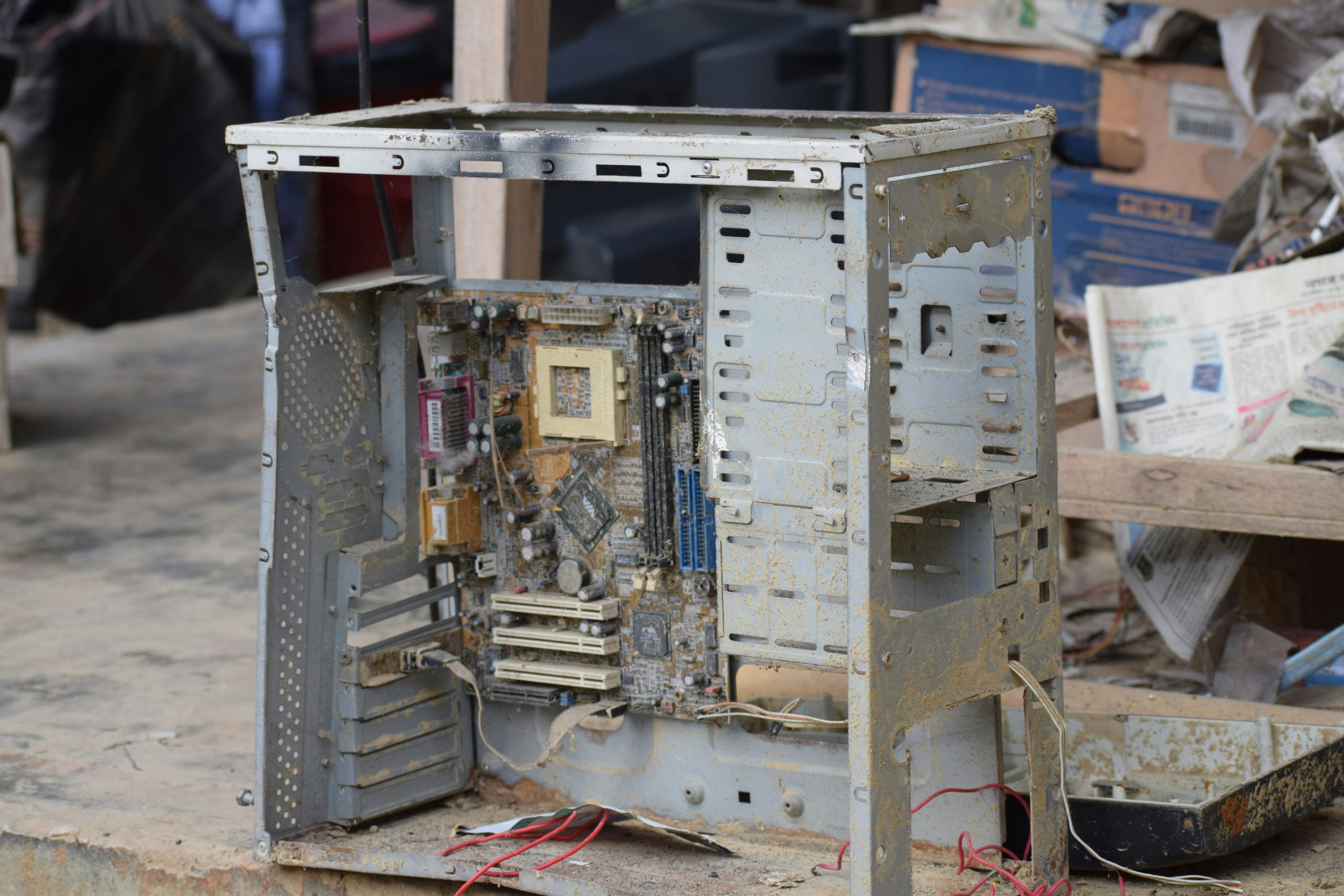
Your desktop PC, once a powerhouse for gaming or work, is now running slow, the fans are roaring like a jet engine, and it might even be crashing during intensive tasks. These are the classic signs of an overheating PC, a problem that, if left unchecked, can cause permanent damage to your expensive components like the processor (CPU) and graphics card (GPU).
This guide explains the most common culprits behind a hot PC—dust, bad airflow, and old thermal paste—and what you can do to cool it down and restore its performance.
The Number One Enemy: A Thick Blanket of Dust
Your PC’s fans are constantly pulling air through the case to cool its components. Unfortunately, this also pulls in dust, pet hair, and other debris from the room. Over time, this builds up inside your machine.
- Clogged Heatsinks and Fans: Dust forms a thick, insulating blanket on the metal fins of your CPU and GPU coolers, trapping heat directly on the chip. It also clogs fan blades and air intakes, reducing their ability to move cool air.
- More Noise, Less Cooling: As components get hotter, your system tells the fans to spin faster to compensate. This is why an overheating PC often gets very loud, yet performance still suffers because the trapped dust prevents the heat from escaping.
Beyond Dust: Poor Airflow and Placement
Even a clean PC can overheat if it can’t breathe properly. Airflow is a critical concept where cool air is drawn in from the front or bottom of the case and hot air is expelled out the back and top.
- A Suffocating Location: Placing your desktop tower inside a tight-fitting cabinet, shoved into a corner, or with its back right up against a wall severely restricts this airflow. The PC ends up recycling its own hot air, causing temperatures to rise quickly.
- Internal Cable Mess: A messy tangle of internal cables can act like a wall inside your PC case, blocking the path of cool air from the intake fans to your critical components.
The Hidden Culprit: Old, Dried-Out Thermal Paste
Between your computer’s processor and its heatsink is a crucial layer of thermal paste. This special compound fills microscopic gaps between the two surfaces to ensure efficient heat transfer.
- It Doesn’t Last Forever: After several years, this paste can dry out, crack, and become ineffective. When this happens, heat can’t escape from the processor into the heatsink properly, causing CPU temperatures to skyrocket even if the rest of the PC is perfectly clean.
- A Common Issue in Older PCs: If your PC is more than 3-4 years old and has never been serviced, old thermal paste is a very likely cause of sudden overheating problems.
Why FixGo is the Smartest Choice for Your Repair
At FixGo, we understand that a healthy PC is a cool PC. Our technicians are experts at diagnosing and resolving all overheating issues, from the simple to the complex. We go beyond a quick puff of air and provide a comprehensive service to restore your machine’s health.
- Deep Professional Cleaning: We safely disassemble key components to provide a thorough, deep clean of all fans, heatsinks, and dust filters without risking static damage.
- Expert Thermal Paste Re-application: We properly remove all old, crusty thermal paste and apply a fresh, high-quality compound to your CPU and GPU for optimal heat transfer.
- Cable Management and Airflow Optimisation: We can assess and improve your PC’s internal layout to ensure cool air is reaching the parts that need it most.
When you need a professional desktop PC repair service, you can trust our experts to get it running cool, quiet, and fast again.
Our expert technicians are ready to help, with flexible options to suit you. Use our Nationwide Mail-in service from anywhere in the UK, or book a Doorstep Repair if you’re in the Manchester area. You can also visit us at our repair store in Rochdale.
Choose a repair
Contact Us
Desktop Repair
Laptop Repair
Smartphone Repair
Console Repair
Leave a Reply